 Brandefyn

Short answer: to lower ACoS on Amazon, first work out your break-even ACoS (your profit margin before ad costs), then cut spend that doesn't convert: add zero-sale search terms as negative exact keywords, lower bids on targets above break-even, and review dynamic bidding and placement adjustments, which can push a bid to double or more. Finally, fix conversion on the product detail page, because a listing that converts better lowers ACoS on every click. Judge the result on total sales and TACoS, not ACoS alone.
An ACoS that's "too high" is one of the most common things we see in free PPC audits. It almost never has one cause. It's usually a mix of paying for the wrong searches, bidding too much for the right ones, and sending clicks to a listing that doesn't convert. Here's how to find which one is hurting you, in the order we check it.
What ACoS is (and how to calculate it)
Amazon defines ACoS (advertising cost of sales) as:
ACoS = ad spend ÷ ad revenue × 100
Amazon's own example: spend $50, earn $100 in ad sales, and your ACoS is 50%. ROAS is the inverse (ad revenue ÷ ad spend), so a 50% ACoS is a 2x ROAS and a 25% ACoS is a 4x ROAS.
ACoS only counts sales your ads generated. TACoS (total advertising cost of sales) divides ad spend by your total sales, ads and organic. If you want the quick definitions, see our glossary entries for ACoS and break-even ACoS.
Step 1: Find your break-even ACoS before you cut anything
You can't know if your ACoS is too high until you know where you start losing money. Amazon says break-even ACoS is "directly linked to your profit margin": to stay profitable, ACoS has to stay below it.
Work it out per product:
| Example product | |
|---|---|
| Selling price | $40.00 |
| Product cost, inbound shipping | $10.00 |
| Amazon referral and FBA fees (illustrative) | $12.00 |
| Profit before ads | $18.00 |
| Break-even ACoS ($18 ÷ $40) | 45% |
If this product runs at a 30% ACoS, it's profitable on ad sales. At 55%, each ad sale loses money, unless you're deliberately buying rank. Fees change, so recheck this when your costs do. Our guide to Amazon FBA fees in 2027 covers the US fee changes coming in January and February, which will move break-even for many products.
Set a target ACoS for each product, not one for the whole account. A hero product you're ranking can run hotter. A mature product with strong organic sales should run well under break-even.
Step 2: Cut search terms that get clicks but no sales
This is where most wasted spend lives. Pull the search term report for the last 30-60 days and sort by spend.
- Clicks, no sales: Amazon's holiday guide says, "If a search term is generating clicks but has zero sales, add it as a negative exact match."
- Never-relevant words (wrong size, "used", "replacement", a competitor's accessory): add as negative phrase so every search containing them is blocked.
- Irrelevant product pages: in product targeting and auto campaigns, add negative ASINs for pages that keep eating budget.
Don't overreact to small numbers. Amazon's targeting guide suggests evaluating a target after at least 20 clicks, and letting negative keywords run two weeks or more before you change strategy again.
Step 3: Lower bids on targets above break-even
Next, open the targeting report and sort by spend. For each keyword or ASIN target:
- ACoS well below target, good volume: leave it, or raise the bid to win more.
- ACoS a little above target: lower the bid by a small step and recheck in a week or two.
- ACoS far above break-even after 20+ clicks: cut the bid hard or pause it.
- Lots of clicks, zero sales: pause it and add it as a negative where it's coming from.
Small, regular changes beat big swings. Amazon's dynamic bidding guide suggests reviewing bids about every two weeks and limiting how many changes you make at once, so you can tell what worked.
Step 4: Check your bidding strategy
Sponsored Products has three bidding strategies: fixed bids, dynamic bids - down only, and dynamic bids - up and down.
With up and down, Amazon says it will "increase or decrease your bids by up to 100% for all placements based on performance." A $1.00 bid can become $2.00. Amazon's own advice is to "be prepared to potentially spend double the amount of the bid you input."
Up and down is useful on proven campaigns and deal ASINs during big events. But if it's switched on across the whole account, it's a common reason ACoS creeps up. Use down only as the default for discovery and lower-margin campaigns, and keep up and down for your best performers.
Step 5: Review placement bid adjustments
On top of your bid strategy, you can raise bids by placement: top of search, rest of search and product pages, each by up to 900%. Amazon added the rest of search option in January 2024, and it's available in the US, UK, Germany, France, Italy, Spain, the Netherlands and other marketplaces.
Placement adjustments stack with dynamic bidding, which is how a $1.00 bid ends up costing several dollars. Pull the placement report for each campaign:
- If top of search converts well under target, keep or raise the adjustment.
- If product pages or rest of search run far above break-even, set the adjustment to 0% and lower the base bid.
Step 6: Separate discovery from scale
A lot of high-ACoS accounts mix everything together. Amazon's own expert advice lists mixing match types and overlapping targeting as common mistakes. A cleaner setup:
- Auto and broad campaigns for discovery, at modest bids. Amazon lets you bid separately on the four auto targeting groups (close match, loose match, substitutes, complements), so lower the bids on whichever group wastes the most.
- Exact match campaigns for search terms that have already converted at a good ACoS, with your highest bids.
- Add promoted terms as negative exact in the discovery campaigns so they don't compete.
Expect discovery campaigns to run a higher ACoS. That's their job. Our match types guide walks through the broad-to-exact workflow step by step.
Step 7: Put budget where ACoS is already good
Lowering ACoS isn't only about cutting. It's also about moving money from campaigns that waste it to ones that earn it. Amazon's expert advice is to give most of the budget to high-priority ASINs and keep testing to no more than 10-15% of your budget. If a profitable campaign runs out of budget before evening, it's losing sales your worst campaigns are still paying for.
Step 8: Fix the listing, because conversion drives ACoS
Every point of conversion rate lowers ACoS without touching a bid. If shoppers click but don't buy, the problem is often the detail page, not the ad. Amazon's Sponsored Products best practices include:
- Make sure the product has the featured offer and stays in stock (out-of-stock products can't be advertised).
- Titles of about 60 characters, at least three bullet points, and images of at least 1,000 pixels so zoom works.
- Advertise products with five or more reviews rated 3.5 stars or higher.
- A competitive price, and FBA for the Prime badge where it makes sense.
Amazon's expert advice also points out that most shoppers are on mobile, so check how your main image and first bullets look on a phone.
Step 9: Give new campaigns time
Amazon notes that ACoS "shouldn't be the sole campaign metric you focus on," and that new campaigns often show a high ACoS just because they're new. It recommends optimizing in the first 30 days and checking metrics at least twice a week early on. Don't kill a campaign after three days and 15 clicks.
Step 10: Watch TACoS, not just ACoS
The easiest way to "lower ACoS" is to stop bidding on anything that isn't already your brand name. Your ACoS will look great and your sales will fall. That's why we track TACoS alongside it. A falling TACoS while total sales grow means your ads are lifting organic sales too, which is what you want. Our supplement brand case study is a good example: about 80% of daily sales there are organic, which is what keeps total ad cost in check at scale.
Lowering ACoS during Black Friday and Cyber Monday
Black Friday is November 27 and Cyber Monday is November 30 this year. Competition for clicks peaks, so expect ACoS to rise on some terms. Amazon's holiday guide suggests a few things that keep it under control:
- Raise daily budgets 20-30%, three to five days before the event, rather than all at once.
- Use dynamic bids - up and down only on high-priority campaigns, like those with deal ASINs.
- Keep running the negative keyword routine through the event. Holiday traffic brings a lot of gift and gadget searches that don't fit your product.
After the peak, pull the search term report again. Terms that converted during Cyber Week can move into exact match, and terms that only spent can become negatives.
If you sell in the UK or EU
The same steps work on amazon.co.uk, amazon.de, amazon.fr, amazon.it, amazon.es and amazon.nl, and placement adjustments are available in all of them. One difference matters for break-even: VAT. According to the Adlabs help center, Amazon reports ad sales including VAT for EU marketplaces, while for UK profiles it already excludes VAT from ad sales. So on amazon.de with 19% VAT, an ACoS calculated on VAT-inclusive sales will look lower than your real cost against net revenue. Work out break-even on the same basis your ad console reports, or convert both to net. For example, a €39.99 product at 19% VAT is about €33.60 net.
Quick checklist: how to lower ACoS on Amazon
- Calculate break-even ACoS for every advertised product.
- Set a target ACoS per product based on its goal.
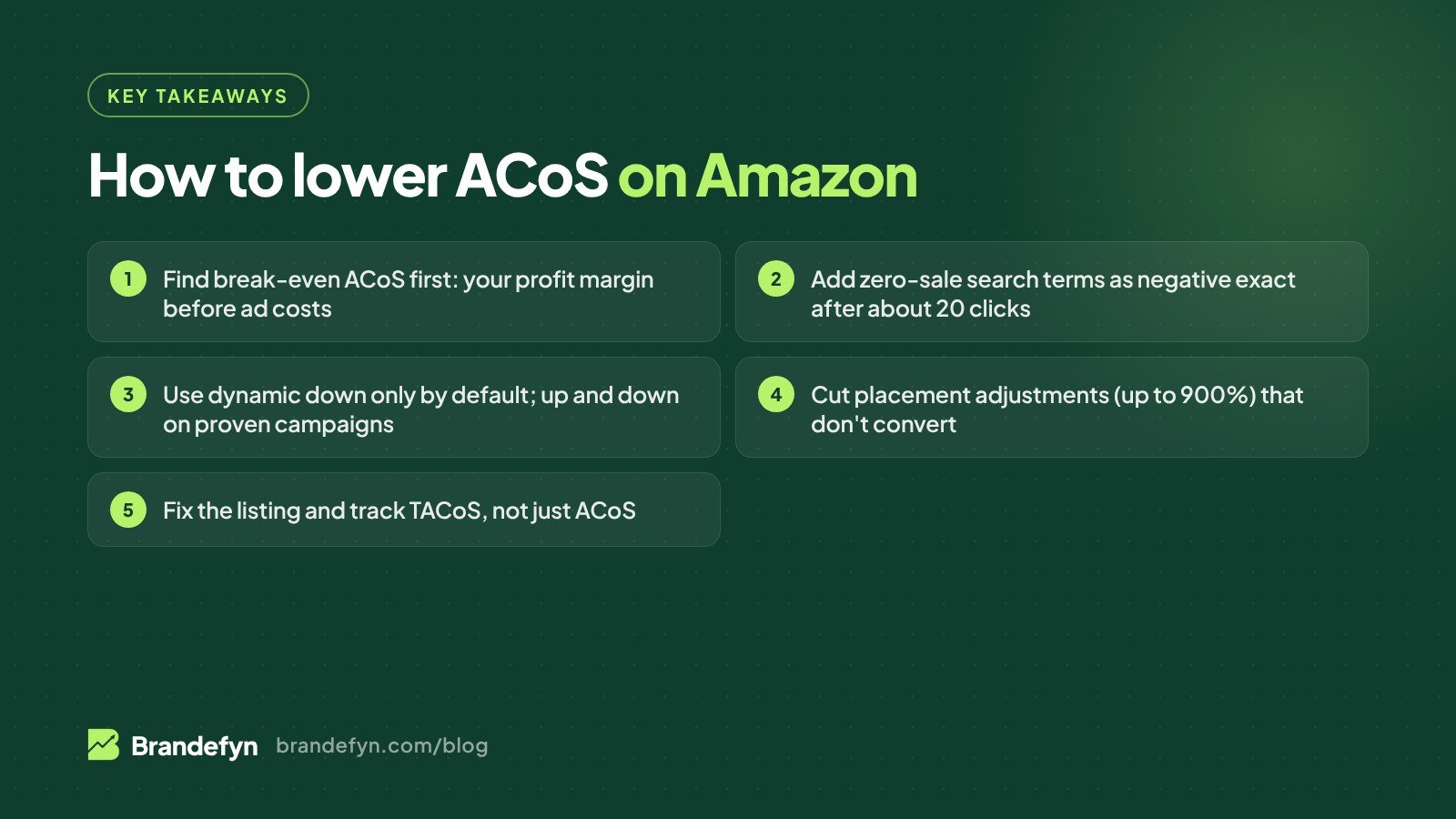
- Add zero-sale search terms as negative exact (after about 20 clicks).
- Add never-relevant words as negative phrase and bad pages as negative ASINs.
- Lower bids on targets above break-even, in small steps.
- Use dynamic down only as the default; up and down on proven campaigns.
- Check the placement report and cut adjustments that don't convert.
- Separate discovery (auto, broad) from scale (exact).
- Move budget to profitable campaigns; cap testing at 10-15%.
- Fix the listing, then track TACoS and total sales, not just ACoS.
If Amazon's newer AI tools are running your bids, the same checks apply. See AI Amazon PPC in 2026 for how to work alongside them, and Amazon Ads unified reporting to make sure the reports you need for this keep running past January.
Want us to find the leaks for you? Get a free Amazon PPC audit and we'll show you which search terms, bids and placements are pushing your ACoS up. Or see how our Amazon PPC management service runs this every week.
Sources
- Amazon Ads: What is advertising cost of sales (ACOS)?
- Amazon Ads: Guide to dynamic bidding - up and down
- Amazon Ads: Rest of search bid adjustment for Sponsored Products
- Amazon Ads: Sponsored Products best practices
- Amazon Ads: A guide to targeting with Sponsored Products
- Amazon Ads: Tips to optimize holiday advertising campaigns
- Amazon Ads: 5 common sponsored ads campaign mistakes
- Perpetua: Amazon TACoS explained
- Adlabs: EU/UK VAT in Amazon Ads sales