 Brandefyn

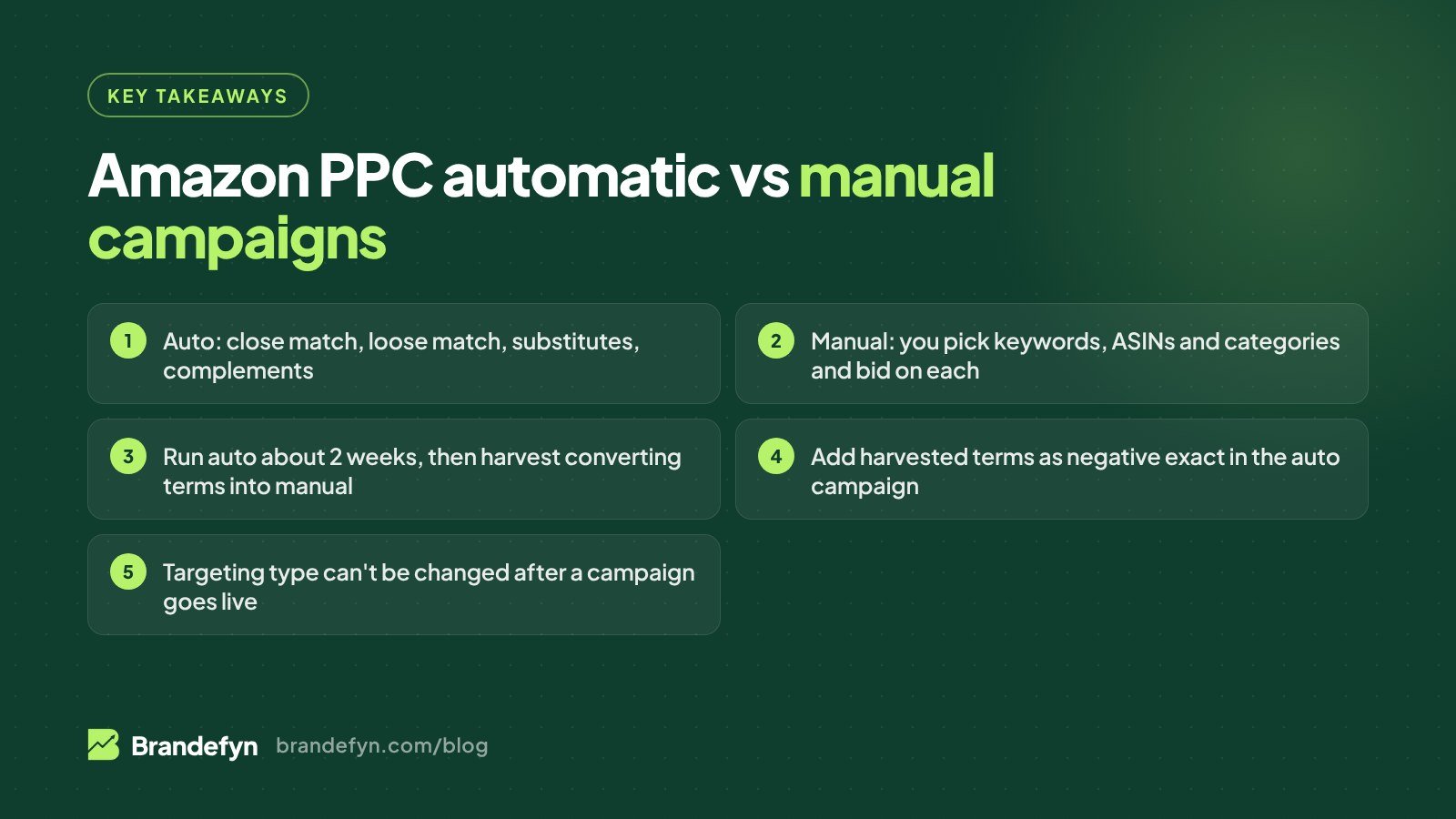
Short answer: Amazon automatic campaigns let Amazon choose which searches and product pages show your ad, using four targeting groups: close match, loose match, substitutes and complements. Manual campaigns let you pick the exact keywords, ASINs and categories and bid on each one. Automatic is better for discovery; manual is better for control and profit. Amazon recommends running both: start with automatic, wait about two weeks, then move the search terms that convert into manual campaigns and add them as negatives in the automatic campaign.
Should you let Amazon pick your targets, or pick them yourself? You need both, doing different jobs. Here's how each works, where each wastes money, and the setup we use to run them together.
What is an automatic campaign on Amazon?
In an automatic campaign, Amazon says your ad is "automatically matched with keywords and products that are similar to the product you're advertising." It uses past shopping queries and your product information (title, bullets, category) to decide where you show up. You don't enter any keywords.
Amazon splits automatic targeting into four groups, and you can set a separate bid for each one:
| Auto targeting group | Where your ad shows | Typical use |
|---|---|---|
| Close match | Searches closely related to your product | Usually the best converter; bid highest |
| Loose match | Searches loosely related to your product | Broad discovery; bid lower |
| Substitutes | Detail pages of products similar to yours | Conquesting competitor listings |
| Complements | Detail pages of products that go with yours | Cross-sell (e.g. a case on a phone page) |
That per-group bid is the most underused setting in automatic campaigns. Most sellers leave one default bid on all four, which means loose match and complements spend at the same price as close match, even when they convert far worse.
When automatic campaigns work best
Amazon's keyword targeting guide says automatic targeting "works well for advertisers new to keyword targeting or those looking to discover additional relevant terms." In practice, that means:
- New product launches, when you don't yet know how shoppers search for your product.
- Keyword discovery on established products, to catch new search terms and competitor ASINs you'd never think of.
- Small catalogs or new sellers who want ads running quickly while they learn.
What is a manual campaign on Amazon?
In a manual campaign, you choose every target and manage bids "at the target level." There are two kinds of manual targeting:
1. Keyword targeting. You add keywords with one of three match types:
- Broad: can match plurals, synonyms and related terms. The keyword doesn't have to appear in the search.
- Phrase: the search must contain your keyword's words in the same order (plurals allowed).
- Exact: the search must match your keyword word for word (plurals allowed). Amazon says exact "tends to result in the highest conversion rates."
Amazon suggests bidding highest on exact, lower on phrase and lowest on broad. Keywords can be up to 10 words and 80 characters. For a full breakdown with examples, see our guide to Amazon match types.
2. Product targeting. You target specific ASINs, whole categories (which you can narrow by brand, price range, star rating and Prime shipping eligibility) or brands. This is how you put your ad on a specific competitor's listing, or on your own listings to keep shoppers in your brand.
When manual campaigns work best
Manual campaigns are where you scale and protect profit:
- Proven keywords that you know convert, so you can bid more on them without paying the same for weak terms.
- Branded and competitor terms, where you need tight control over bids and placement.
- Budget control during expensive periods like Q4, when you want spend on your best terms only.
Amazon PPC automatic vs manual: side-by-side
| Automatic | Manual | |
|---|---|---|
| Who picks targets | Amazon | You |
| Setup time | Minutes | Hours (keyword research needed) |
| Control over bids | Per targeting group (4 bids) | Per keyword or ASIN |
| Best for | Discovery, launches | Scaling, profit, defense |
| Main risk | Spend on irrelevant searches | Missing searches you didn't think of |
| Negative keywords | Yes | Yes |
| Can switch type later | No | No |
That last row matters. Amazon's targeting guide says that once a campaign is live, "you will not be able to change the campaign targeting." If you want to go from automatic to manual, you create a new manual campaign. You don't convert the old one.
Why you should run both (and how they work together)
Amazon's own advice is to use both. Its keyword guide says "we recommend incorporating a mix of both" for Sponsored Products, and its best practices guide tells new advertisers to "create manual campaigns to supplement your automated campaign."
The two campaigns feed each other in a loop:
- The automatic campaign finds search terms and ASINs that convert.
- You harvest them into a manual campaign, usually as exact match keywords or ASIN targets, with higher bids.
- You add those same terms as negative exact keywords in the automatic campaign so the two campaigns don't bid against each other for the same search.
- The automatic campaign keeps looking for the next winning terms.
Step 3 is the one most sellers skip. Without it, your automatic and manual campaigns compete for the same shopper, and you can't tell which campaign is really working. Amazon says negatives can be added to Sponsored Products automatic, product and keyword targeting campaigns, at the campaign or ad group level, using exact or phrase match.
Step-by-step: setting up automatic and manual campaigns
Here's the checklist we use for a new product or a messy account.
- Fix the listing first. Automatic targeting reads your title, bullets and category. If those are vague, Amazon matches you to vague searches. Amazon's best practices guide suggests titles of about 60 characters, at least three bullets and four or more images of at least 1,000 pixels.
- Launch one automatic campaign per product group. Amazon suggests starting with a daily budget of $10 or more. Set separate bids for close match, loose match, substitutes and complements instead of one default bid.
- Launch a manual campaign from day one if you have keyword data. Amazon suggests starting with 25 to 50 relevant keywords per ad group. Don't mix targeting types (keywords and products) in the same ad group.
- Wait about two weeks. Amazon's targeting guide says to let an automatic campaign run for about two weeks before building a manual campaign from it, and to test match types for at least one to two weeks before pausing anything.
- Download the search term report. Look for terms with orders and an ACoS under your target. Move them to manual exact (keywords) or manual product targeting (ASINs).
- Add negatives. Add harvested terms as negative exact in the automatic campaign. Add irrelevant terms that spend without selling as negatives too. Amazon suggests waiting for at least 20 clicks before judging a term, and leaving negatives in place for two weeks or more before changing course.
- Repeat every one to two weeks. Amazon suggests reviewing bids about once every two weeks and limiting changes while you test.
If your ACoS is already high after doing this, our 10 fixes for a high ACoS go deeper on bids, negatives and listing problems.
Bidding strategies for automatic and manual campaigns
Both campaign types use the same three Sponsored Products bidding strategies:
| Strategy | What Amazon does | When to use it |
|---|---|---|
| Dynamic bids: down only | Lowers your bid when a click is less likely to convert | Default for most auto campaigns and profit-focused manual campaigns |
| Dynamic bids: up and down | Raises bids by up to 100% at top of search and up to 50% elsewhere, or lowers them | Proven manual exact keywords where you want more volume |
| Fixed bids | Uses your exact bid every time | Testing, or when you want fully predictable costs |
Amazon's dynamic bidding guide gives an example: a $1.00 bid can become $2.00 at top of search and $1.50 on other placements with "up and down." It warns that you should be ready to spend up to double the bid you enter. You can also add placement adjustments of up to 900% for top of search, rest of search and product pages.
Our rule of thumb: keep automatic campaigns on down only, because they include lots of untested searches. Use up and down only on manual keywords that already have a strong conversion record.
Common mistakes with automatic vs manual campaigns
- One default bid in automatic campaigns. Split it by targeting group. Close match usually deserves the most.
- Turning off automatic once manual is running. You lose your discovery engine. Keep it on with a smaller budget.
- No negatives in the automatic campaign. Your campaigns end up competing with each other.
- Judging too early. A keyword with five clicks and no sale hasn't failed yet. Amazon's 20-click guideline is a good minimum.
- Only watching ACoS. Strong ad campaigns also lift organic rank. Track TACoS to see the full picture.
- Over-budgeting in Q4 without control. Amazon's Black Friday Week runs November 19 to 30 this year, with Black Friday on November 27 and Cyber Monday on November 30. Clicks cost more then. Move budget to manual exact keywords you trust rather than raising budgets across loose automatic targeting.
If you sell on Amazon UK or in Europe
Automatic and manual campaigns work the same way on amazon.co.uk, amazon.de, amazon.fr, amazon.it, amazon.es and amazon.nl. Amazon's UK targeting guide describes the same four automatic targeting groups, the same match types and the same two-week advice as the US version.
The main difference is language. On amazon.de or amazon.fr, your automatic campaign will surface German or French search terms, so your manual keyword lists need to be built per marketplace, not translated from your US list. Budgets and bids are set in GBP or EUR for each store.
What about AI and Amazon Ads Agent?
Amazon is adding more AI to campaign setup, and you can now choose your campaign's targeting type when you create a campaign in Amazon Ads Agent. That makes launching faster, but it doesn't change the basic choice: automatic still means Amazon picks the targets, and manual still means you do. We cover the wider AI changes in our AI Amazon PPC guide.
The bottom line
The question isn't automatic or manual. Automatic campaigns find what works; manual campaigns pay you for it. Run both, give the automatic campaign about two weeks, harvest the winners into manual exact and ASIN targets, and add negatives so the two never compete.
This harvest-and-negate loop is the core of the weekly process our Amazon PPC management team runs for clients. It's part of how we've helped brands like the $24M supplement brand keep about 80% of daily sales organic. Want to know whether your automatic and manual campaigns are fighting each other? Get a free Amazon audit.