 Brandefyn

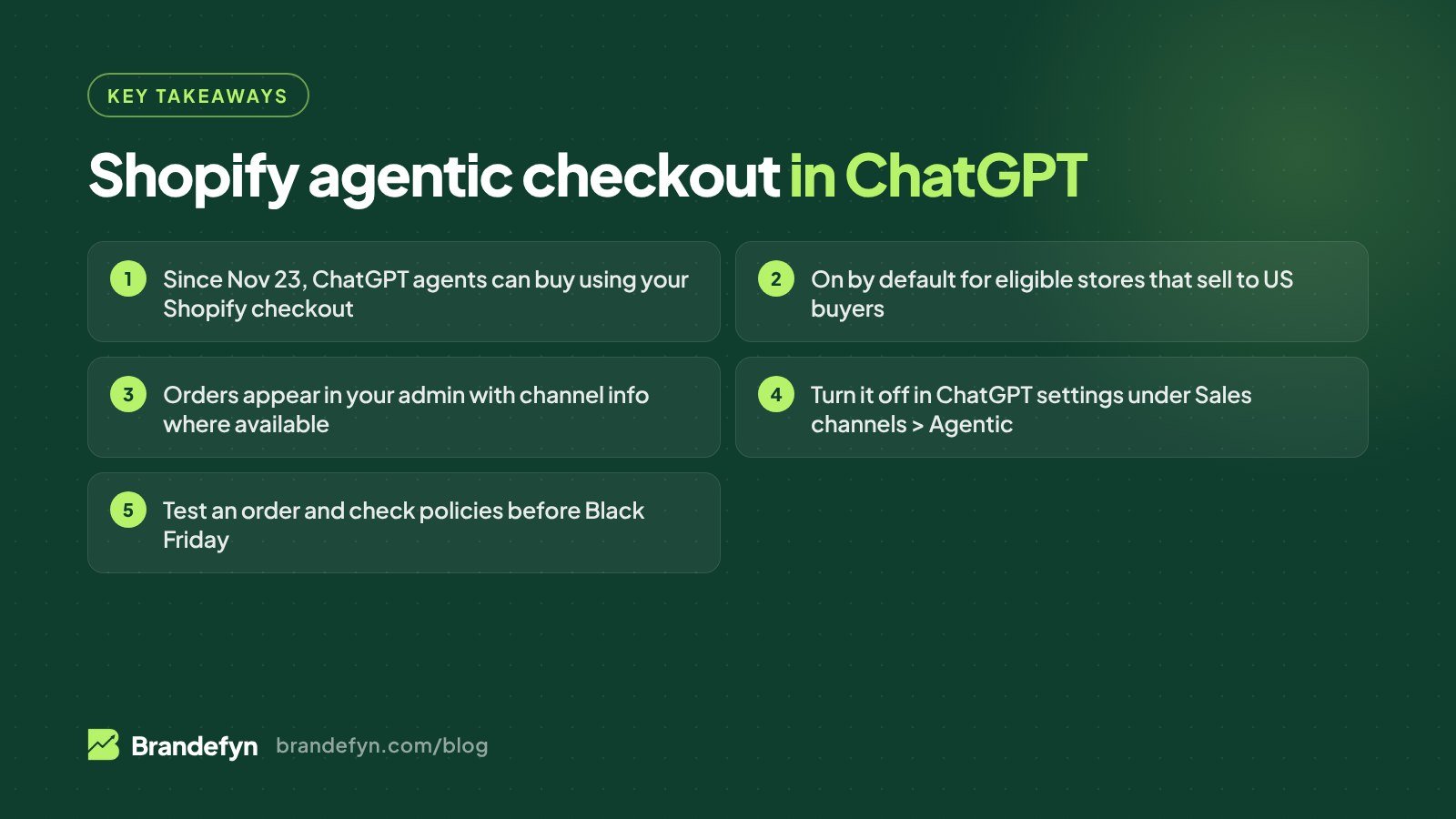
Short answer: On November 23, 2026, Shopify switched on agentic checkout for ChatGPT. It lets AI agents in ChatGPT buy your products for a shopper using your Shopify checkout, and the order lands in your admin like any other. It's on by default for eligible stores that have Manage for me or Automatically enable new channels turned on. Eligibility requires selling to US buyers. To opt out, open Sales channels > Agentic, go to ChatGPT settings and turn off agentic checkout. Before Black Friday (November 27), test an order, check your policies and decide whether you want it on.
Shopify made this change three days before Thanksgiving, in a short changelog post. Most merchants won't have seen it. If your store is eligible and you left Shopify's AI channel settings on their defaults, ChatGPT shoppers may be able to complete a purchase from you this weekend without ever opening your site.
That can be good news. It can also catch you out if your checkout depends on things an agent won't see. Here's what changed, who it applies to and what to check today.
What changed on November 23
Shopify's changelog entry, "Manage agentic checkout for ChatGPT," says three things:
- New name. "Direct checkout is now called agentic checkout on all your AI channels." The feature that already worked on Microsoft Copilot and other channels now has one name.
- ChatGPT is added. Agentic checkout "lets AI agents buy your products for shoppers using your Shopify checkout. Orders appear in your Shopify admin for you to manage as usual."
- It's on by default. "For eligible stores, agentic checkout is enabled by default when Manage for me or Automatically enable new channels is on." Shopify adds that existing opt-outs still apply and your settings on other channels don't change.
This is a real shift. Shopify's own agentic commerce guide, updated November 11, still said ChatGPT had no direct checkout toggle "because shoppers pay on the merchant's online store." That matched what happened earlier this year, when OpenAI retired its first in-chat checkout and sent buyers to retailers' sites (we covered it in ChatGPT Instant Checkout is gone). Twelve days later, checkout inside ChatGPT is back for Shopify merchants, this time through Shopify's own checkout.
Who is eligible?
Shopify's guide lists the requirements for its AI channels. For ChatGPT, your store must:
- Sell to US buyers. Shopify says ChatGPT is "available to eligible stores selling to US buyers, including stores based outside the US."
- Have products that meet Shopify Catalog requirements. Products are added to Catalog automatically when the store and products qualify.
- Accept the Agentic Storefronts supplemental terms.
- Have your terms of service, privacy policy, and return and refund policy completed in the admin.
Shopify is also clear that "Catalog inclusion guarantees neither placement nor a particular ranking." Being eligible gets you into the pool. It doesn't get you recommended.
How each AI channel handles checkout now
Agentic checkout now covers several assistants, but they don't all work the same way or in the same countries. Based on Shopify's guide and the November 23 changelog:
| AI channel | Product discovery | Checkout inside the assistant | Buyer markets (per Shopify) |
|---|---|---|---|
| ChatGPT | On by default for eligible stores | Agentic checkout, on by default since Nov 23, 2026 | US buyers |
| Microsoft Copilot | Via Shopify Catalog | Shopify-powered checkout, on by default for eligible stores | US buyers |
| Google AI Mode and Gemini | Managed in Google Merchant Center | Rolling out | US, Canada and Australia |
| Meta (Meta AI, Muse) | Via Shopify Catalog | Available to eligible stores | 11 countries, including the US, Canada and Mexico |
For ChatGPT and Copilot, Shopify says Catalog access controls whether those channels receive your product data. Google product discovery is managed in Merchant Center. For more on the Google side, see our guide to Google AI Mode and the Universal Commerce Protocol.
How to turn agentic checkout on or off in ChatGPT
If you're eligible and on default settings, you don't need to do anything to keep it on. To change it:
- In your Shopify admin, go to Sales channels > Agentic (Agentic Storefronts).
- To change channels one by one, turn off Allow Shopify to manage for me.
- Open the ChatGPT settings.
- Turn agentic checkout off or on.
Know what the switch does and doesn't do:
- Turning off agentic checkout doesn't remove you from ChatGPT. Your products can still be discovered, and shoppers or agents can still buy on your normal online store checkout. Third-party coverage of Shopify's help docs also notes that purchases through the Shop skill or Shop app inside ChatGPT are separate from this setting.
- Turning off Catalog access for ChatGPT stops your product data going to ChatGPT, but reports citing Shopify's help center say it can take up to seven days.
- To hide a single product, Shopify says to set its status to Unlisted. Be careful: that also removes it from Catalog, search engines and your online store search, so it isn't a quick fix for a best-seller.
Should you leave it on? Our take
For most US-facing Shopify brands, yes, provided your checkout passes the tests below. Shopify reported in its Q3 2026 earnings that AI-driven traffic to its merchants rose 2.6 times year over year, and that searches powered by its Catalog convert at about twice the rate of general AI queries (as reported by PYMNTS). Shoppers asking ChatGPT for gift ideas this week are high-intent. Making them click out to your site adds a step where you can lose them.
Turn it off, or at least test it first, if your sales depend on things a standard checkout can't carry. Merchants in Shopify's community have flagged that product customizations, theme-only rules and delivery-area limits may not carry over into an agent's checkout. That includes:
- Engraving, monograms, bundles built on the product page, or "choose your flavors" pickers.
- Gift messages or delivery dates collected in the theme, not at checkout.
- Shipping or delivery-zone limits enforced by an app on the cart page.
- Regulated or age-restricted products where your checks sit before checkout.
- Free-gift or tiered promotions applied by a cart app, not by Shopify discounts.
If any of these apply, the agent may buy a version of the product you can't fulfill correctly. That turns into a refund, a support ticket or a chargeback during your busiest week.
Black Friday checklist for Shopify agentic checkout
Black Friday is November 27 and Cyber Monday is November 30. Work through this today:
- Check your setting. Open Sales channels > Agentic and confirm whether ChatGPT agentic checkout is on. Make it a deliberate choice.
- Place a test order. Ask ChatGPT for your product the way a shopper would and see what comes back: price, variant, shipping and returns.
- Fix your policies. Your return, refund, shipping and privacy policies are eligibility requirements, and agents show them to shoppers. Make sure they're complete and match your holiday terms.
- Move key rules into checkout. If a discount, gift or shipping rule only runs in your theme or a cart app, rebuild it as a Shopify discount or checkout rule, or turn agentic checkout off until you can.
- Check prices and inventory. Agents read your live catalog. Wrong compare-at prices or overselling hurt more when a bot is doing the buying.
- Watch AI orders. Shopify says AI orders appear in the admin "with channel or referrer information where available," and the reports under Sales channels > Agentic compare sales and orders by channel. Check them daily over the holiday weekend.
- Know your dispute process. Shopify's chargeback tools draft an AI-written defense for card chargebacks by default. Make sure someone reviews disputes on agentic orders before the response deadline.
If you haven't claimed your brand in ChatGPT yet, do that too. Our guide to ChatGPT Business Hub for Shopify brands covers how to verify with your Shopify connection.
Getting picked, not just checked out
Checkout only matters if ChatGPT shows your product in the first place. That's an AI SEO problem, not a settings problem. Assistants compare your catalog against every other store's, so the stores that win have:
- Specific, checkable product data: materials, sizes, ingredients, use cases, compatible models.
- Clean titles and variants that match how shoppers ask ("unscented sensitive skin body wash, 16 oz").
- Consistent prices and policies across your site, feeds and marketplaces.
- Reviews and third-party mentions that AI engines can find and cite.
Our AI SEO guide for Shopify and Shopify Agentic Storefronts checklist go deeper on each of these.
If you sell in the UK or EU
ChatGPT agentic checkout is US-buyer only for now. Shopify ties ChatGPT and Microsoft Copilot eligibility to selling to US buyers, and it hasn't announced ChatGPT checkout for UK or European shoppers. If your store is based in the UK, Germany, France or elsewhere and ships to the US, you can qualify for those US customers, so check the setting the same way. Your US policies, duties and delivery promises need to be accurate, because the agent will repeat them. Google's agentic checkout is rolling out to US, Canadian and Australian buyers, and Meta's covers 11 countries, so check Shopify's list for your markets before you plan for any of them in Q1.
The bottom line
Shopify turned ChatGPT into a checkout for eligible stores on November 23, on by default, four days before Black Friday. For most US-facing brands that's an opportunity, as long as your policies, prices and promotions work in a standard checkout. Make it a decision, test one order, and watch the Agentic reports through Cyber Monday.
Our AI SEO team for Shopify brands gets products recommended in ChatGPT, Gemini and Copilot and makes sure your catalog is ready for agentic checkout. Want to know how your store shows up in AI shopping today? Get a free audit.
Sources
- Shopify Changelog: Manage agentic checkout for ChatGPT (November 23, 2026)
- Shopify: How agentic commerce works
- Shopify: Agentic Storefronts
- Shopify: Fall '26 Edition
- Shopify Help Center: Managing chargebacks in the Shopify admin
- Shopify Community: ChatGPT can now check out your products for shoppers
- Techcon: Shopify turns on agentic checkout for ChatGPT
- PYMNTS: Shopify revenue jumps 32% as agent-driven commerce surges